
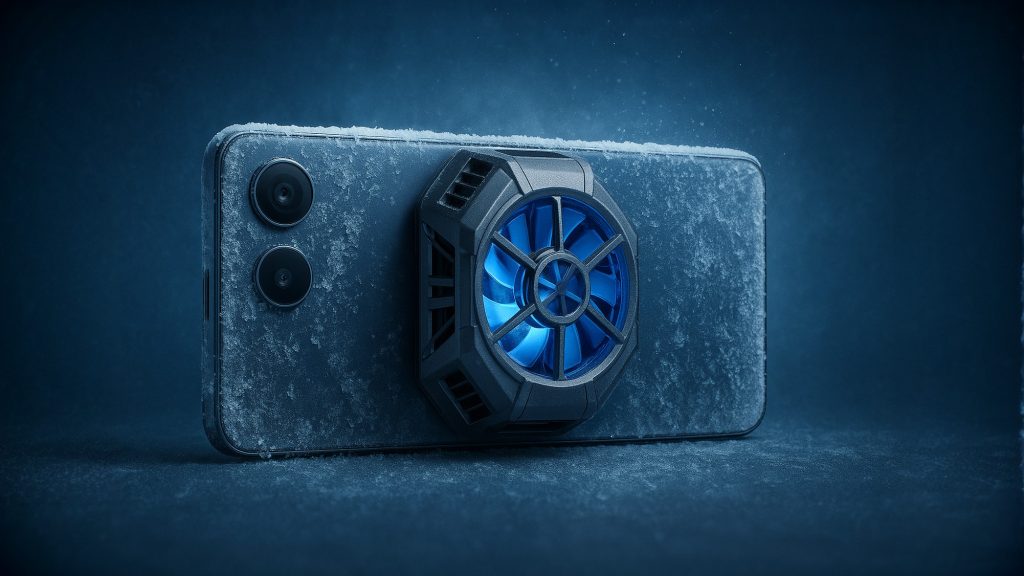
Imagine you’re in the middle of a critical battle in Call of Duty Mobile, with a whole squad in front of you, only one person left to take the win for your team, and suddenly your phone heats up, lags, the screen starts ticking, and boom! You’ve lost! I know how bad it feels, we’ve all experienced this bitter moment. This is when you realize that a phone’s heat is not just an unpleasant sensation, but the main enemy of your performance and gaming experience.
Now, what’s the story behind this heat? It’s very simple. When you’re playing a heavy game like Genshin Impact or Call of Duty on the highest graphics settings, the processor (the brain of the phone) works at full power like a race car engine and generates a lot of heat. If this heat exceeds a certain point, the phone itself will reduce its power to prevent its components from being damaged and, as the saying goes, from burning out. This phenomenon is called Thermal Throttling or performance loss due to heat. The result for us gamers is sudden lag, severe frame drops, and a ruined gaming experience.
This is where gaming fans come into the game like a champ. These gadgets are essentially a kind of dedicated air conditioner for your phone. They stick directly to the back of your phone, right where the processor is located, and by actively cooling that area, they prevent overheating and performance degradation. With a good fan, you can play for hours at maximum power without worrying about lag or heat. So if you want your phone to always be cool and ready to fight, stay with us until the end of this article because we are going to review everything from the most economical options to the high-end giants of the market, so that you can have the best choice for every budget.
1-Black Shark Magnetic Phone Cooler 5 Pro
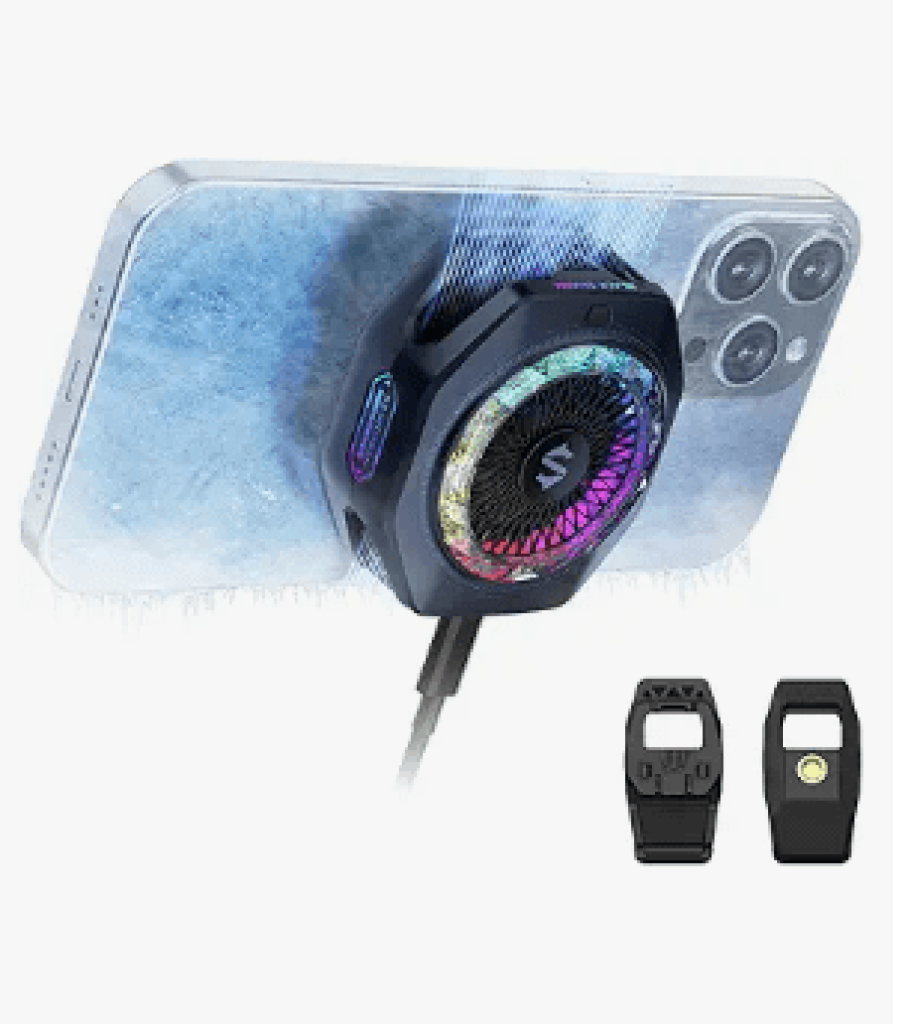
- Cooling: 35W power, cools to -4°F (-20°C) in 25 seconds
- Design: 18 customizable RGB LEDs, 480 diamond-cut facets
- Safety: Dual NTC sensors, auto-shutoff, prevents condensation
- Compatibility: Magnetic & clip-on (detachable grips), works with phones, Switch, laptops
- Features: App control, 1/4″ mount, 40W+ charger required (not included)
2-NEVEIKA Phone Cooler
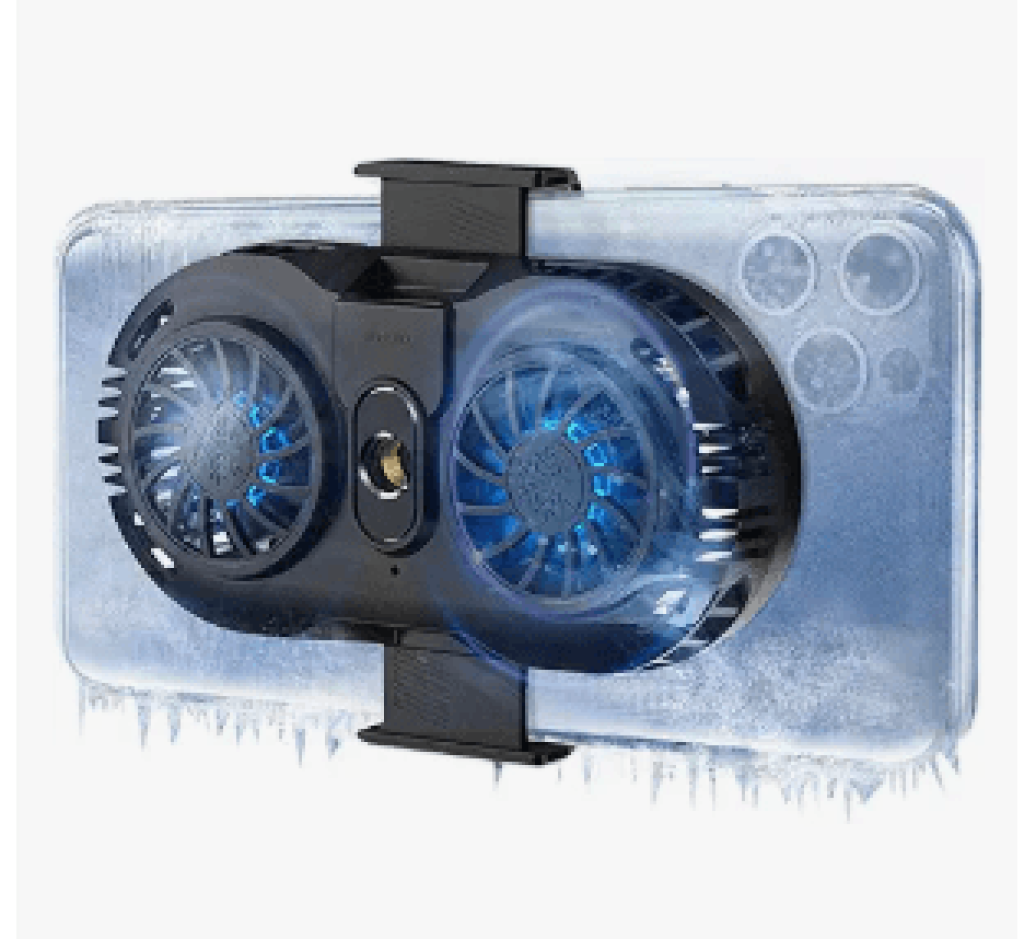
- Clip: Telescopic, fits phones 6-8cm wide
- Cooling: Dual-engine (refrigerator principle), cools in 3 seconds
- Design: Dual silent fans, 7 sq. inch cooling area
- Use: Prevents overheating during gaming/live streaming
- Power: Requires external power connection
3-Black Shark Phone Cooler for Gaming FunCooler 5 NEO
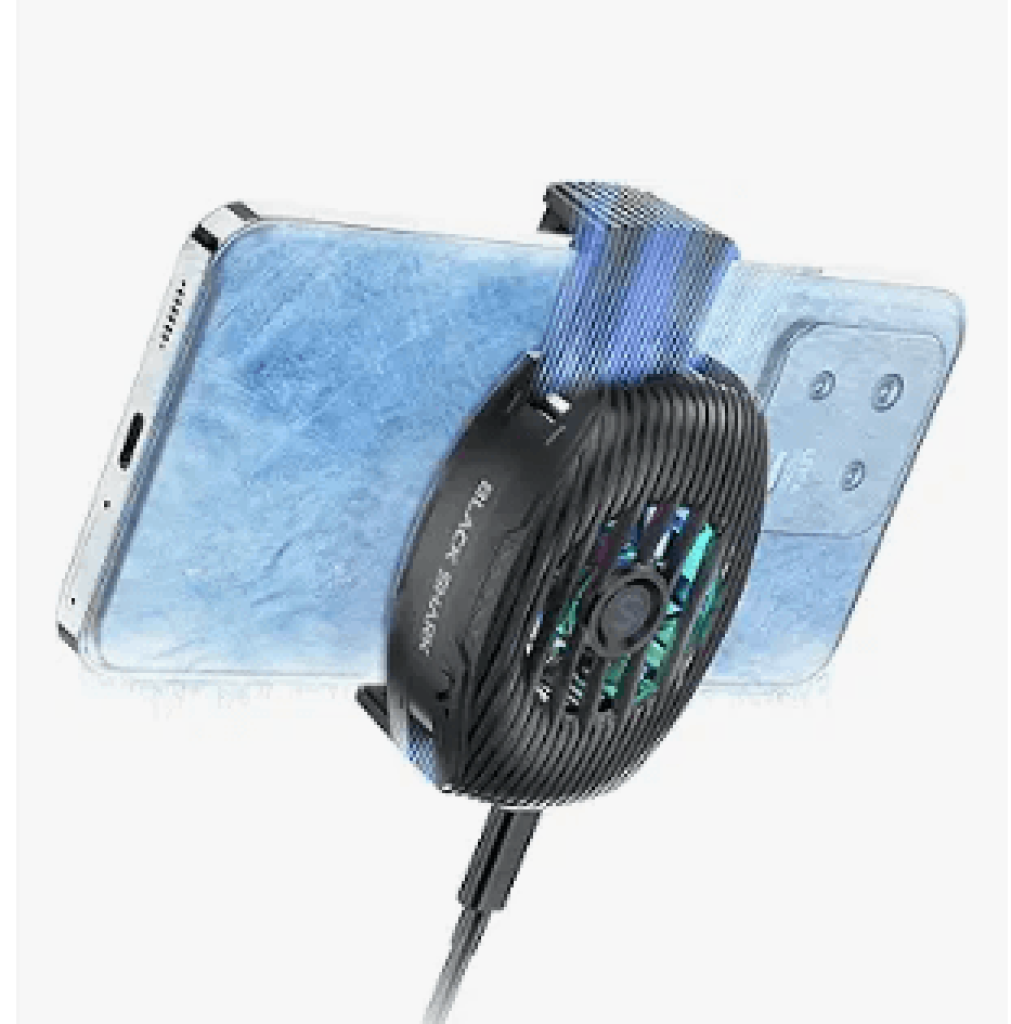
- Cooling: 15W semiconductor, drops temp up to 32°C
- Design: Vertical air duct, 7 quiet fans (<40dB), RGB lights
- Compatibility: Extendable clip (68-88mm width), bolt mount
- Use: Plug & play (physical switch), no heat to hands
- Note: No cable included, requires external power
Phone Cooling Fan Buying Guide
Now that we’ve got the best on the market, let’s review a few key points to help you make a smarter choice when shopping.
The best phone in every price range (November 2025)
Cooling power; It’s not just about freezing!
Reaching sub-zero temperatures and freezing is great, but it’s not everything. There are two more important factors; cooling speed and cooling surface area. A fan that only cools a small spot but takes 30 seconds to reach that temperature may not be as efficient as one that cools the entire processor area to zero degrees in 10 seconds. Also, fans with a larger cooling surface area have a better chance of covering your phone’s SoC and can dissipate heat over a wider area, which is more effective in preventing performance drops.
Connection type; clip or magnetic?
This choice depends a lot on your phone. If you have an iPhone 12 or newer that supports MagSafe, magnetic fans like the Black Shark provide a very convenient and hassle-free experience. Quick connection, no hassle of adjusting the clamp, and easy removal. But Android kids and those with older iPhones, don’t count on magnets too much. Even the best magnets won’t stick to non-MagSafe cases as tightly as the iPhone. For you, the quality, softness, and strength of the clamp should be your top priority. A good clamp will hold the fan firmly in place, won’t press on the side buttons of the phone, and won’t damage the edges of the phone.
Power Requirements; Don’t Forget the Adapter!
This is one of the most important points that many people don’t pay attention to. As we’ve seen, flagship and powerful fans need powerful adapters (25 to 30 watts) to reach their maximum power. If you buy a fan for 4 million Tomans but connect it to a regular 10-watt adapter, it’s like you’re throwing your money away! So before buying a fan, be sure to check what adapter you have at home. If you don’t have a powerful adapter, add the cost of buying a standard 25 or 30-watt adapter to the final cost of the fan.(Buying Guide for the Best Bluetooth Handsfree)
Chip location
For the fan to have the most impact, it must be installed exactly on the location of the phone’s main chip (SoC). The location of this chip varies in different phones. In some models, the large camera module may be located directly above the chip, making it difficult or impossible to install the fan. To find the exact location of the phone’s chip, the best way to find out the exact location of the phone’s chip is to search for teardown videos or articles on the Internet for your phone model. You can also use applications like CPU-Z to identify the type of chip.
Mobile phone fan noise
Fan noise is one of the things that can ruin or make your gaming experience great. The higher the fan speed, the more noise it produces, which can be distracting. Noise levels are measured in decibels (dB). To give you an idea, a whisper is around 30 decibels, and a normal conversation is around 60 decibels. Many modern fans are designed to be quiet and not annoying. However, this depends entirely on the quality of the fan. So before buying, try to check this issue in reviews or user comments.
Extra features; Does the app and RGB really work?
The mobile app is not just for beauty and class. The ability to set different profiles (for example, silent mode for when you just want the phone to be cool and turbo mode for the middle of a game) and update the device’s firmware is a real advantage for power users and gives you more control over your device. But when it comes to RGB, it’s a matter of taste. Colorful lighting may not improve performance even by a single percent, but it sure does add a nice touch of excitement to your gaming setup! So if looks are important to you, look for models with attractive RGB.
The Ultimate Guide to Choosing the Best Power Bank for iPhone in 2024
What phone gaming fan should I buy?
Well, we’ve reached the end of the phone cooling fan buying guide. With all these cool models, which fan is right for you? Let me make a final summary to make your work easier:
One more thing. If you play a lot and your hands sweat, using gaming finger sleeves along with the fan can greatly improve your gaming experience. These sleeves will make your fingers glide smoothly and comfortably on the screen and give you a more precise touch.
Thank you for sticking with us this far. I hope this buying guide helps you choose the best fan for your phone. If you also use a specific cooling fan that wasn’t on this list and you’re happy or unhappy with it, be sure to write your experience in the comments so that other people can use it too.

